
Navloom
Keep your browser bookmarks and tabs in shape.
Brings back missing favicons, finds duplicates and dead links, copies bookmarks between browsers with their icons, and moves open tabs around. A backup comes before every change.
- Version
- 0.1.1
- Requires
- macOS 14.6
- Tools
- 5
- Languages
- EN · FR
- License
- MIT
A small toolbox for your bookmarks
Navloom works on the files of your Chromium browsers, right on your Mac. Pick a browser and a profile, run an analysis, review the results, then decide what to change.
- Analyses never change anything: you always review before writing.
- Every write is preceded by a backup you can restore in one click.
- Native SwiftUI interface, in English and French.
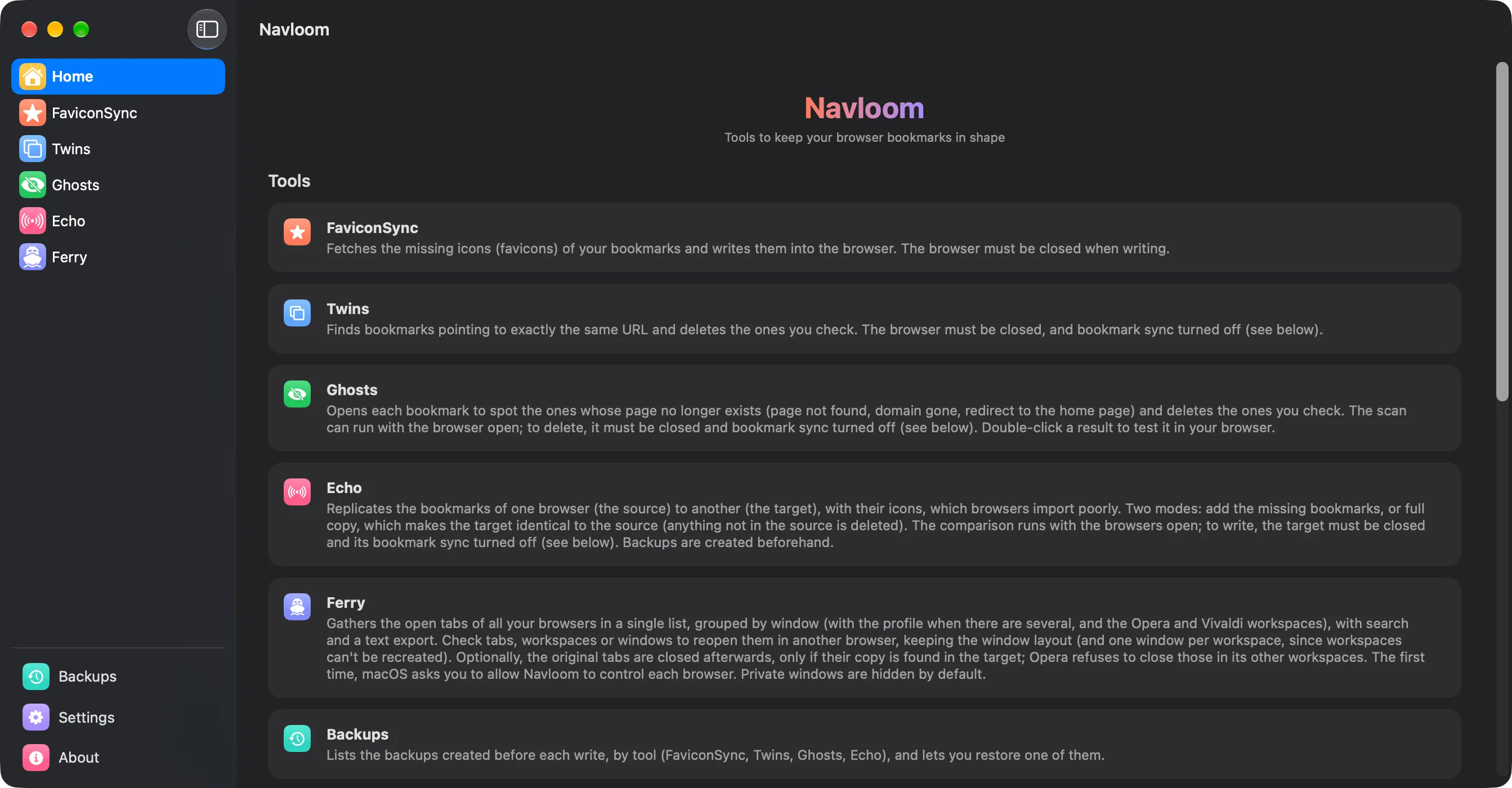
Bring back missing favicons
After switching browsers or importing bookmarks, many end up without an icon. FaviconSync finds them, fetches the icons from the websites and writes them into the browser’s icon database.
- Results sorted into fetched, no favicon (the site has none) and failures, with the reason for each.
- Tries favicon.ico first, then the icons declared in the page.
- Exports a text report.
- The browser must be fully closed (⌘Q) to write.
- Sites that need a sign-in, or declare their icon only through JavaScript, stay without an icon.
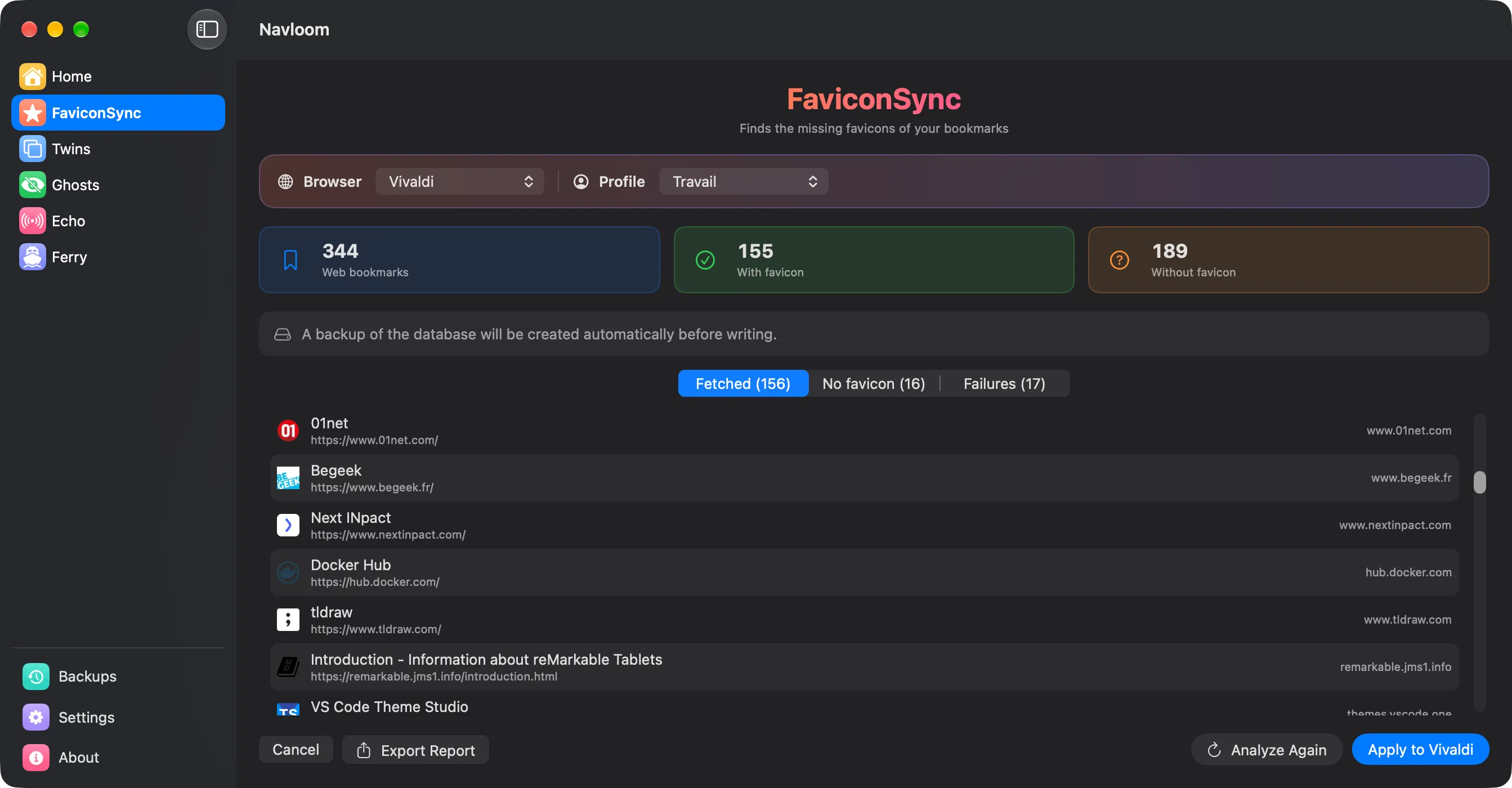
Find duplicate bookmarks
Twins groups the bookmarks that point to exactly the same URL and deletes the copies you check.
- One copy of each group always stays: you can’t delete them all by mistake.
- A shortcut keeps the first bookmark of each group and checks the others.
- The browser must be closed and its bookmark sync turned off, or it brings deleted bookmarks back.
- URLs that differ slightly (http/https, www, trailing /) are not duplicates.
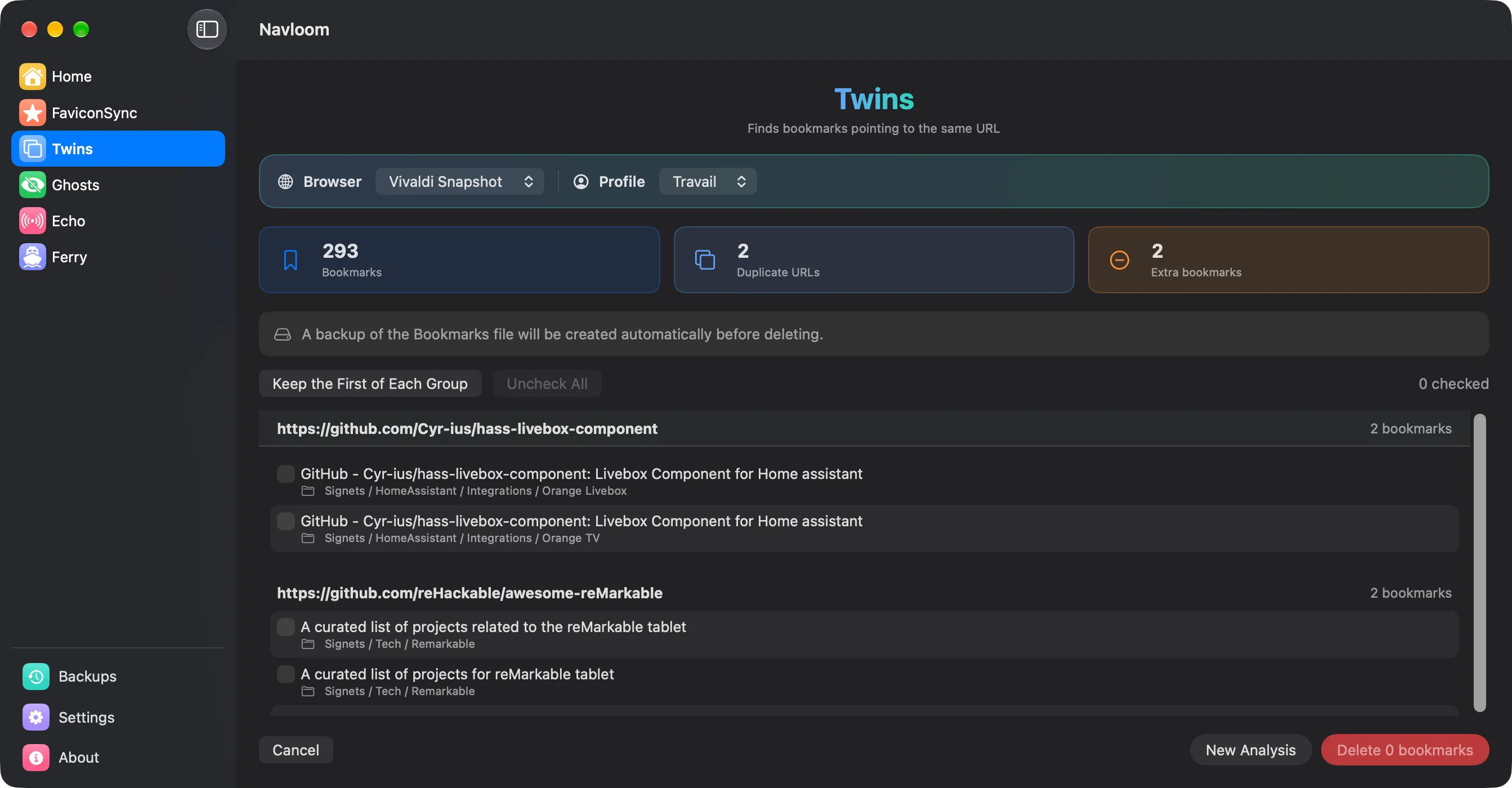
Spot dead links
Ghosts checks whether each bookmark still responds and sorts the problems into dead, to check and redirected.
- Dead: page not found (404/410) or domain gone.
- To check: timeout, server error, invalid certificate.
- Double-click a result to open it, then delete the ones you check.
- Some sites answer “not found” to visitors who aren’t signed in: always check before deleting.
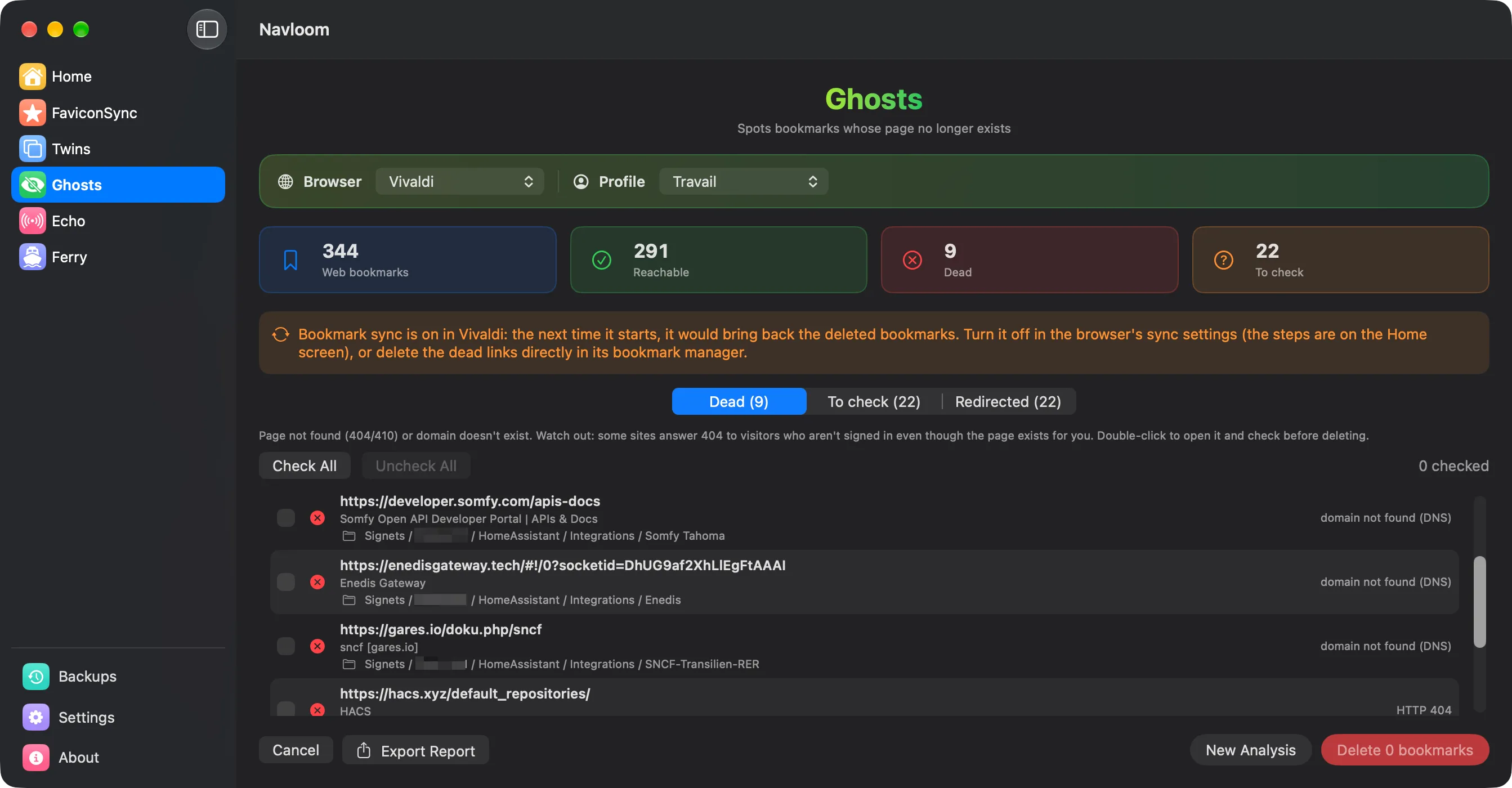
Copy bookmarks between browsers
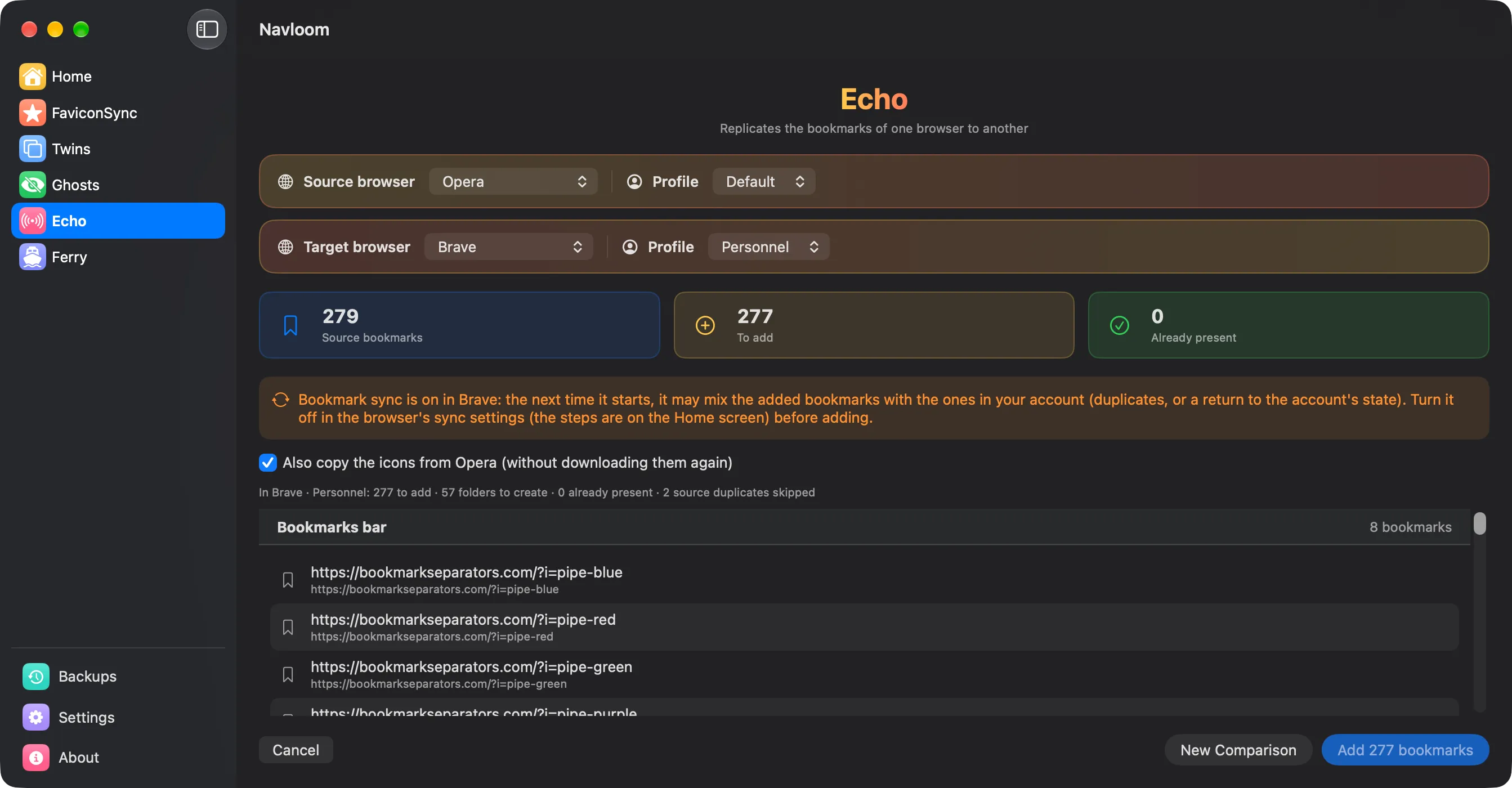
Browsers import each other’s bookmarks but often lose their icons. Echo copies the bookmarks of a source browser into a target browser, icons included.
- Add missing: the target keeps everything, only missing bookmarks are added.
- Full copy: the target becomes identical to the source.
- Choose which URL variants count as identical (http/https, www, parameters).
- One source and one target at a time; the target must be closed with sync turned off to write.
Move open tabs around
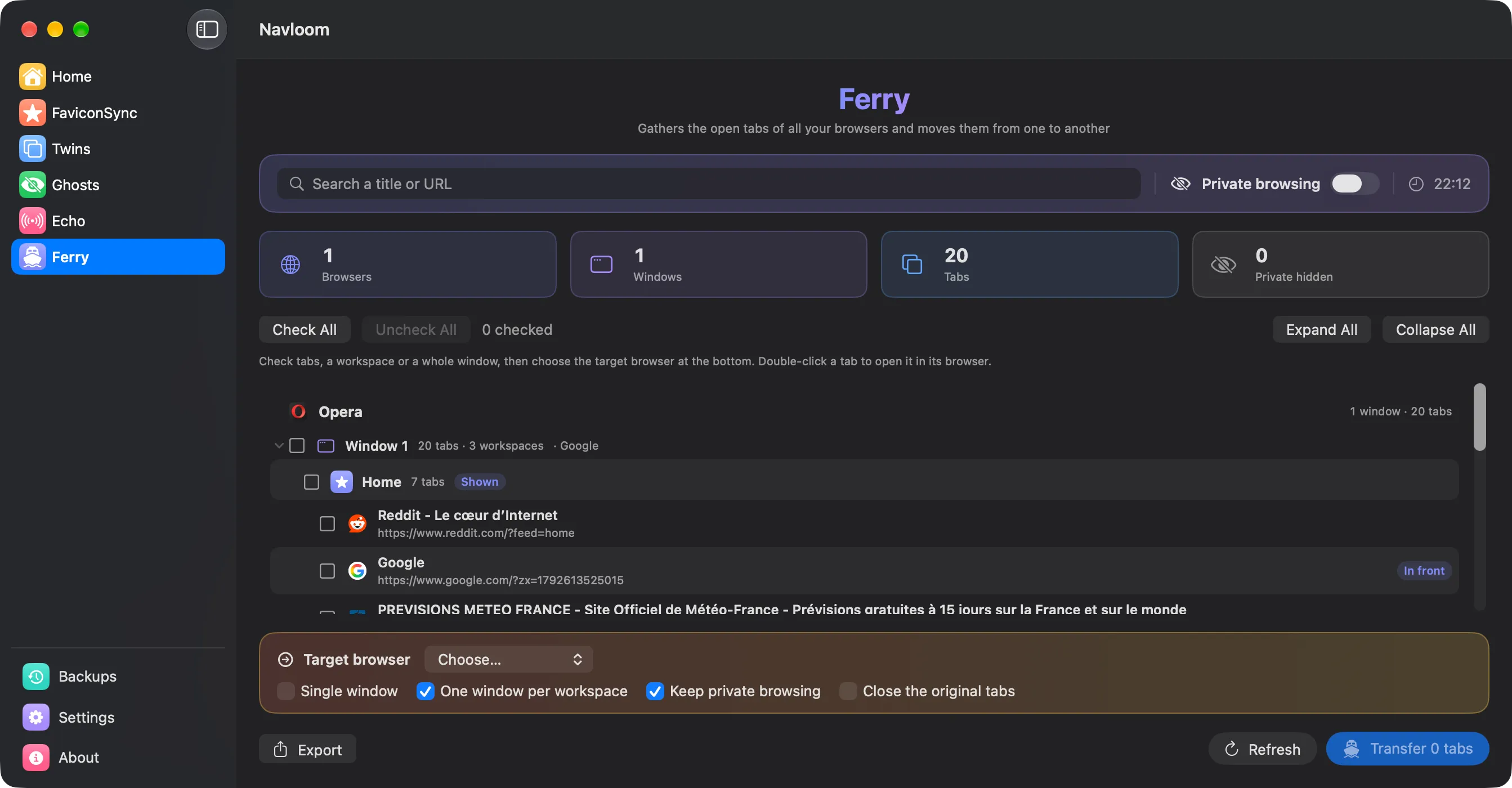
Ferry gathers the open tabs of all your running browsers in one list, by browser, window, profile and workspace, and reopens the ones you check in another browser.
- Keeps the window layout, or puts everything in a single window.
- Optionally closes the originals, only once their copy is found in the target.
- Private windows are hidden by default.
- Workspaces can’t be recreated in the target: each one opens in its own window.
- macOS asks you to allow Navloom to control each browser the first time.
A backup before every change
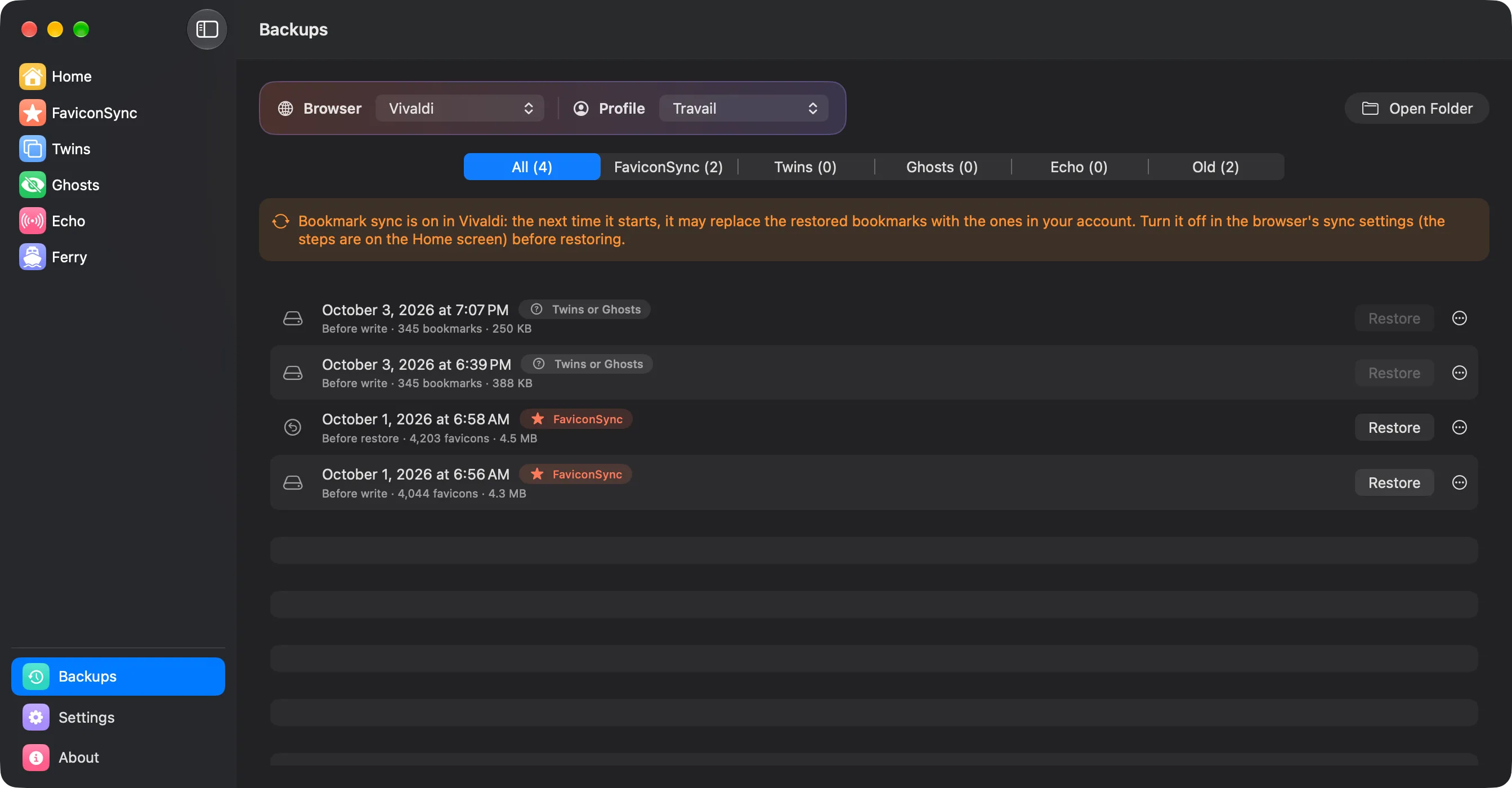
Every write is preceded by a backup of the file it modifies. The Backups screen lists them by tool and restores any of them in one click.
- The current state is itself backed up before a restore.
- Old backups are cleaned up automatically and go to the Trash, never deleted outright.
Works with your browsers.
macOS 14.6 or later, on Apple Silicon and Intel Macs.
| Browser | FaviconSync | Twins | Ghosts | Echo | Ferry |
|---|---|---|---|---|---|
| Chrome · Beta · Canary | ✓ | ✓¹ | ✓¹ | ✓ | ✓ |
| Edge · Beta · Dev · Canary | ✓ | ✓ | ✓ | ✓ | ✓ |
| Brave · Beta · Nightly | ✓ | ✓ | ✓ | ✓ | ✓ |
| Vivaldi · Snapshot | ✓ | ✓ | ✓ | ✓ | ✓ |
| Opera · Developer · GX · Air | ✓ | ✓ | ✓ | ✓ | ✓ |
| Chromium | ✓ | ✓ | ✓ | ✓ | ✓ |
| Arc, Safari, Firefox | — | — | — | — | — |
- ¹ Bookmarks saved in your Google Account are shown but can’t be deleted from Navloom.
- Chrome, Edge and Brave need Full Disk Access to appear in Navloom.
Three steps, one time.
Your permissions and settings are kept from one version to the next.
- Download
Navloom-0.1.1.dmgfrom the latest release. - Open it and drag Navloom onto the Applications folder.
- Allow it once. Navloom is signed but not notarized by Apple, so macOS blocks the first launch. Open System Settings › Privacy & Security and click Open Anyway.
xattr -dr com.apple.quarantine /Applications/Navloom.appNo account, no analytics, no tracking.
Navloom collects nothing and sends nothing about you. The only network requests are those of FaviconSync and Ghosts, sent straight to the websites of your own bookmarks.
Built with Claude
I come up with the ideas, make the design decisions and test every version on my own machines. Much of the code is written with Claude, Anthropic’s AI assistant. I’d rather say so upfront.